See Song2Run in Action
Watch this 1.5-minute demo to see how easy it is to create your perfect running playlist
Create Your Perfect Running Playlist: A Complete Step-by-Step Guide
Welcome to Song2Run! This comprehensive guide will walk you through creating a scientifically-optimized running playlist that matches your musical taste, running cadence, training intensity, and workout duration. Whether you're training for a marathon or enjoying a casual jog, Song2Run helps you harness the power of music to enhance your performance.
Getting Started
Begin your journey by visiting the Song2Run homepage. The clean, intuitive interface makes it easy to start creating your perfect running soundtrack.
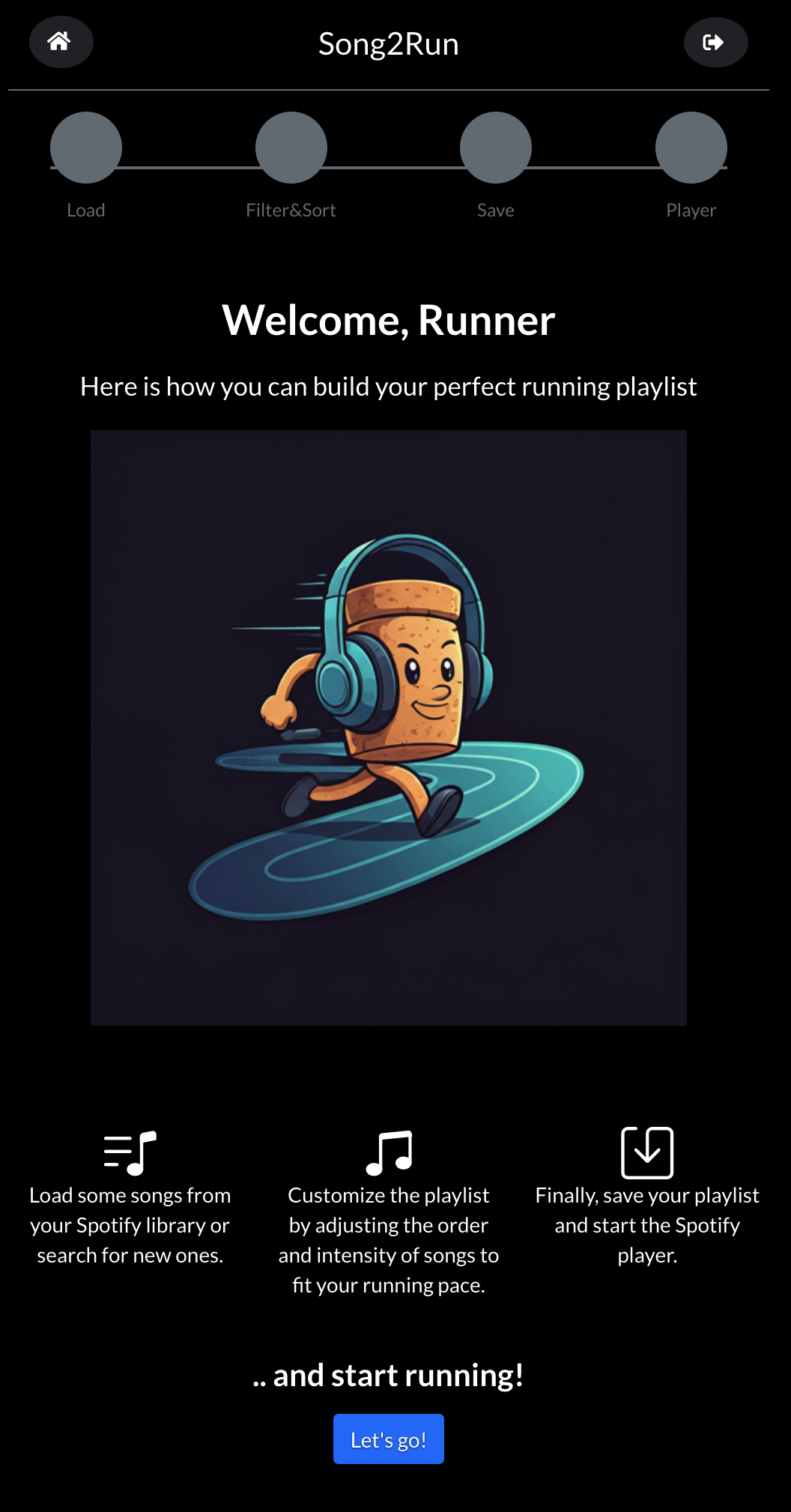 📸 Song2Run Homepage - Click "Let's go" to start building your playlist
Click the prominent "Let's go" button to launch the playlist creation wizard. This will connect to your Spotify account and prepare the song selection interface.
Loading Your Songs
Song2Run offers multiple methods to populate your playlist, giving you flexibility based on your preferences and musical knowledge:
- Feel Lucky: Get AI-powered personalized song suggestions based on your Spotify listening history and running preferences
- Chat: Describe the authors you like, the mood you're in, or the type of music you want to hear or ask suggestions to find new music
- Search: Find specific songs, artists, albums, or genres using the intelligent search box
- Your Library: Browse and select tracks from your existing Spotify playlists and liked songs
- Curated Collections: Choose from expertly-crafted running playlists organized by genre, tempo, and training type
Customizing Your Selection
Once you've chosen your song sources, Song2Run displays them in an interactive grid where you can refine your selection. Remove unwanted tracks by clicking the ✕ icon, or apply filters to narrow down songs by tempo, energy, or danceability.
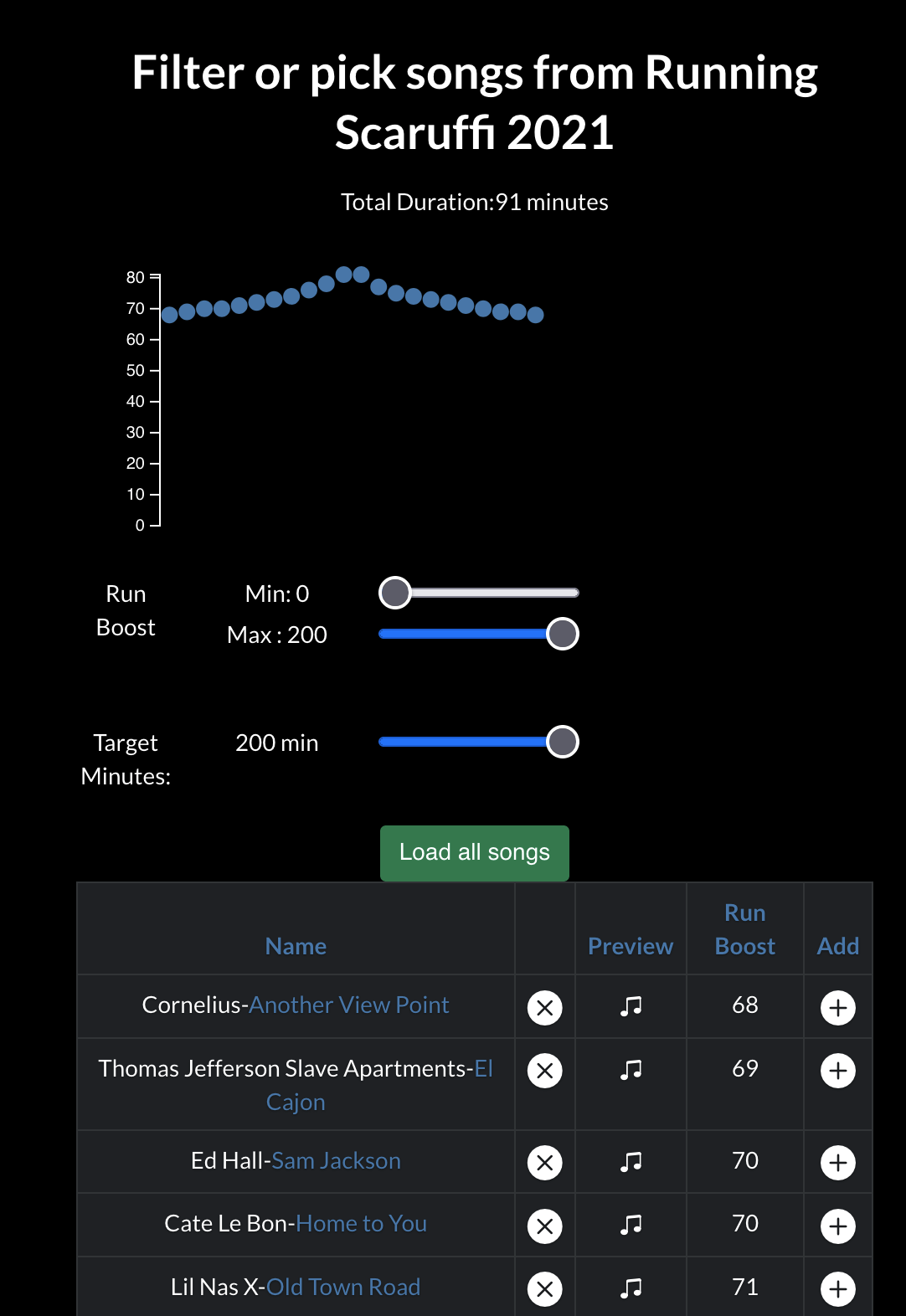 📸 Song Selection Screen - Refine your choices before loading
You have two options for adding songs to your working playlist:
- Bulk Load: Click the green "Load all songs" button to add all displayed tracks at once
- Individual Selection: Click the + button on specific songs to cherry-pick your favorites
Want to know more about a song before adding it? Click the note icon (♪) to view detailed metadata including BPM, energy level, danceability score, and more. You can even preview the track or open it directly in Spotify.
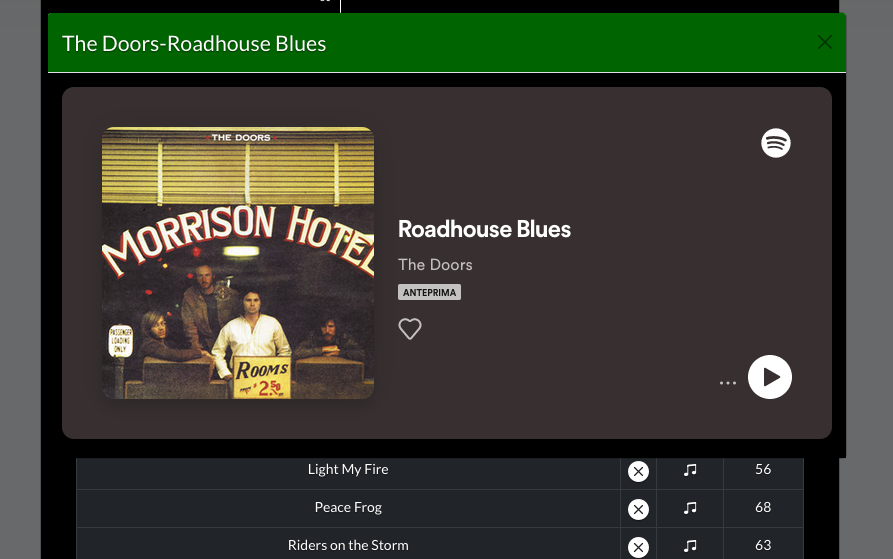 📸 Song Metadata View - Preview tracks and analyze audio features
Filtering and Sorting by Intensity
You can continue adding more songs (go back to Step 1) or proceed to the "Filter & Sort" section to optimize your playlist.
This is where the magic happens! Song2Run's intelligent sorting algorithms arrange your tracks to match your training plan.
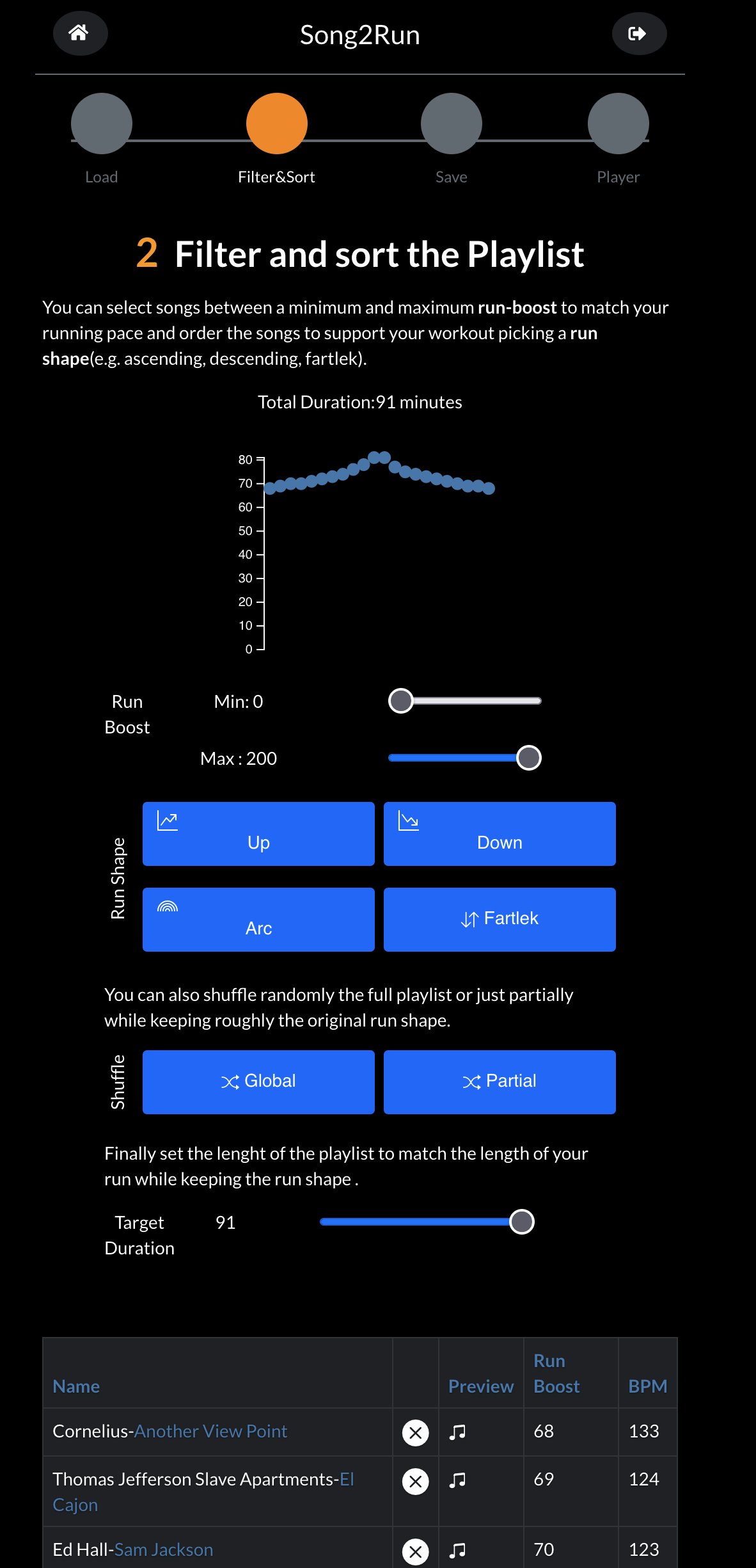 📸 Filter & Sort Dashboard - Match your playlist to your training plan
Whether to use BPM, ,Run Boostß (which is a mix of energy and rhythm), or both is a matter of personal preference and practice level. As a beginner, we suggest starting by filtering for a Run Boost greater than 50 to remove slow, low-energy songs, then experimenting with BPM filtering to find the sweet spot for your cadence.
First, adjust the duration filter to match your planned run time. Then choose from several scientifically-designed intensity patterns:
🔼 Progressive Intensity (Upward Pattern)
Start with lower-energy warm-up tracks and gradually build to high-intensity songs. Perfect for tempo runs and races where you negative split.
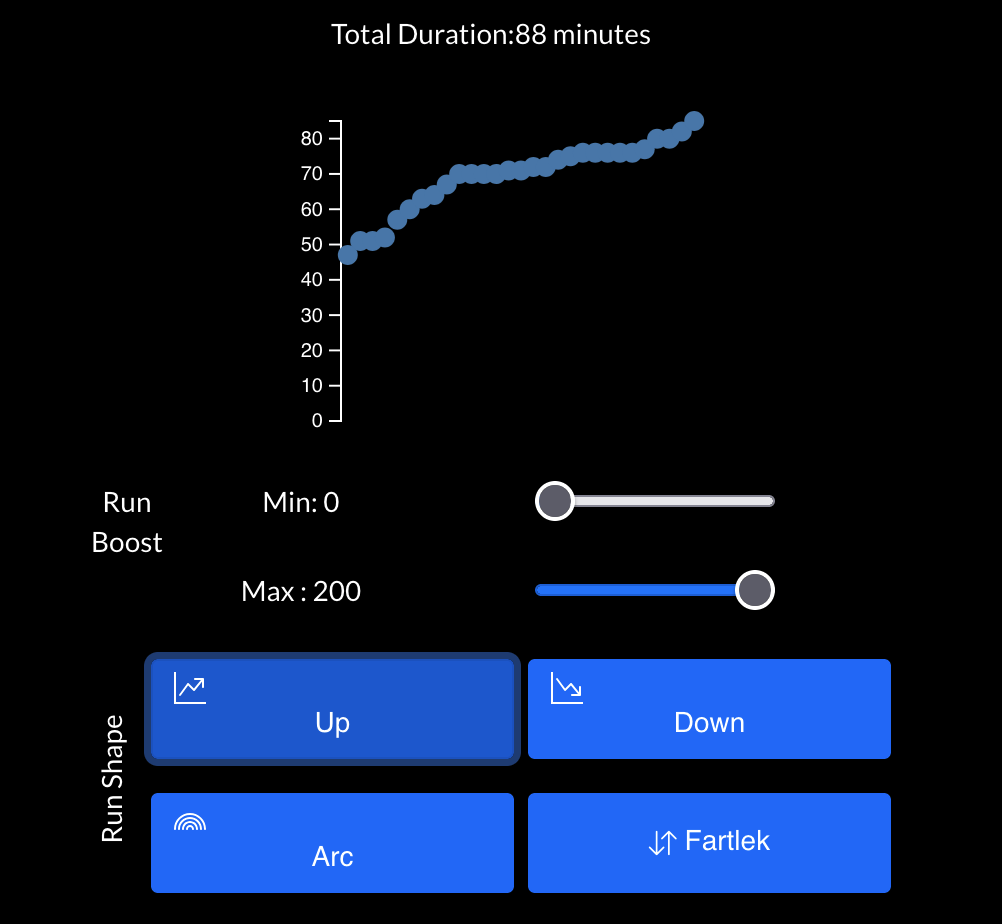 📸 Progressive Intensity Pattern - Build momentum gradually
⚡ Fartlek / Interval Training
Alternate between high and low-intensity tracks to support fartlek training (Swedish for "speed play") or structured interval workouts. The varying tempo naturally guides your pace changes.
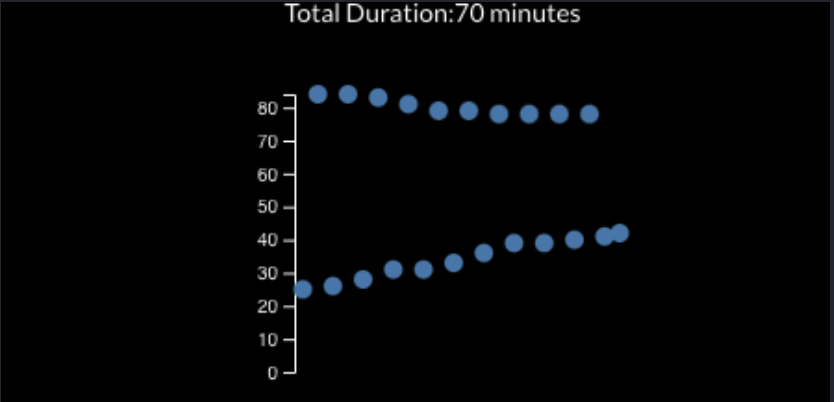 📸 Fartlek Pattern - Perfect for interval and speed training
🏔️ Arc Pattern (Peak and Descend)
Build intensity to a maximum effort in the middle, then gradually cool down. Ideal for workouts where you want to push hard in the middle section while ensuring proper warm-up and cool-down periods.
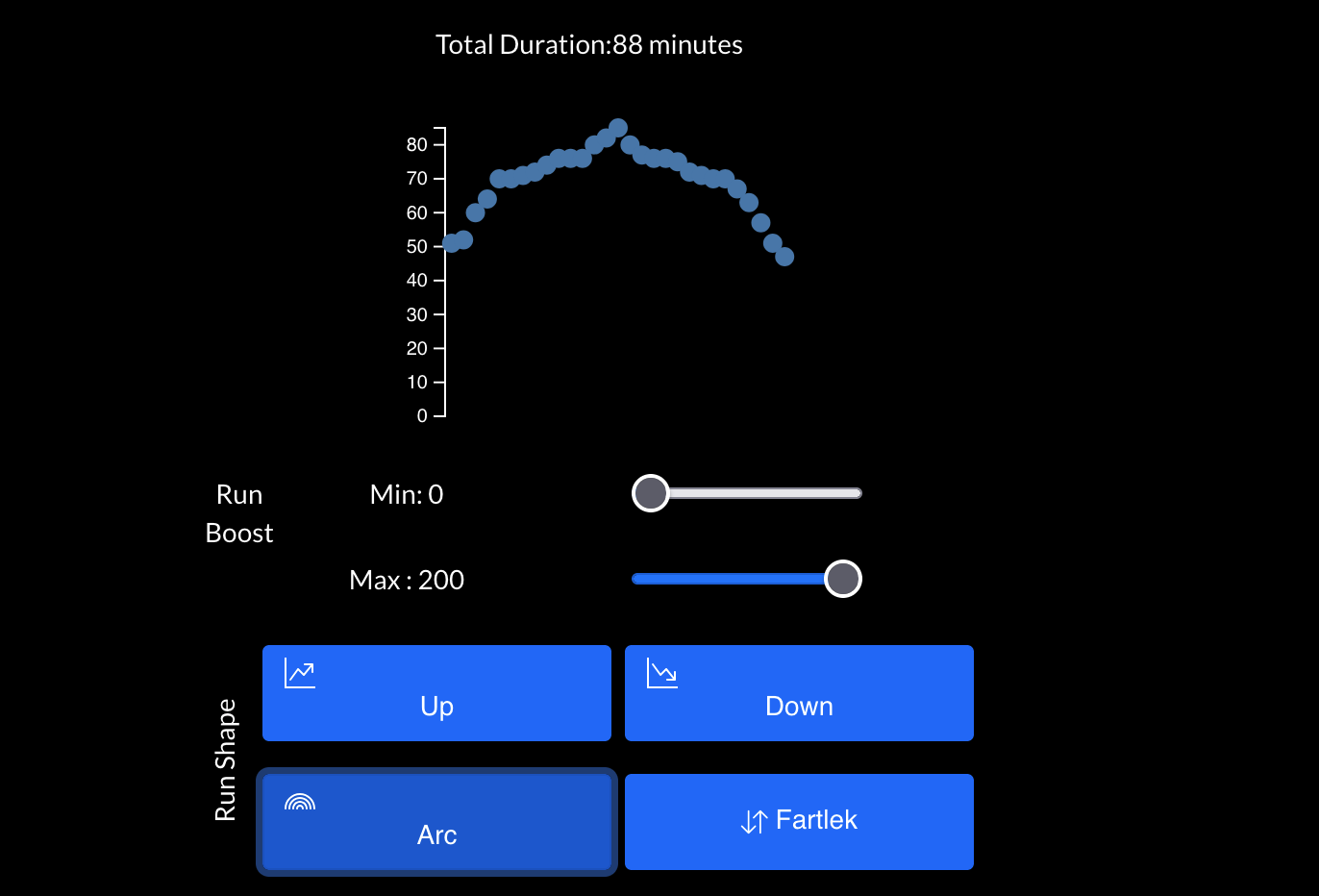 📸 Arc Pattern - Peak in the middle, bookended by easier efforts
Each pattern is backed by exercise science and designed to optimize your training stimulus while keeping you motivated throughout your run. Learn more about why generic playlists don't work for runners.
Save and Export to Spotify
Once you're satisfied with your playlist composition and intensity pattern, move to the "Save" step. Give your playlist a memorable name that reflects its purpose (e.g., "Tuesday Tempo Run" or "Saturday Long Run Easy").
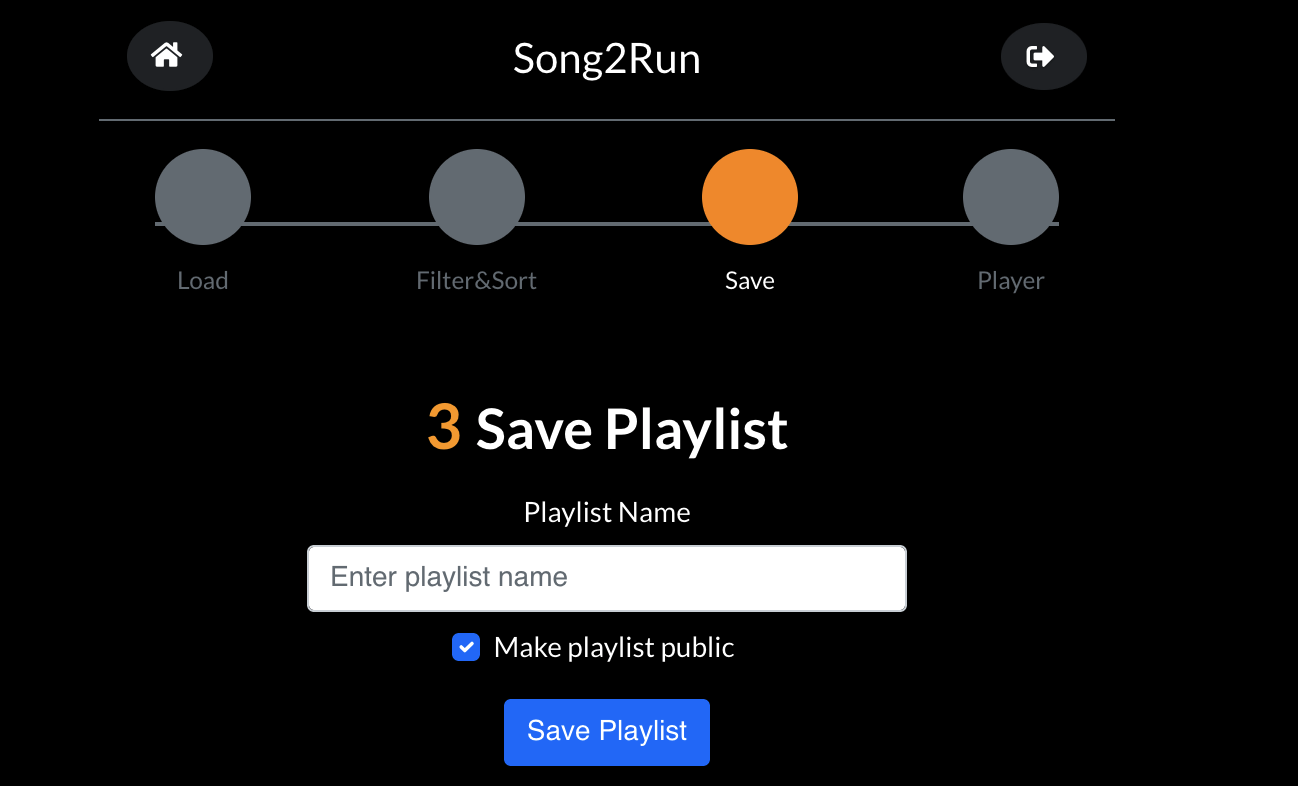 📸 Save Your Playlist - Instantly syncs to your Spotify account
Click the "Save" button, and Song2Run will create the playlist directly in your Spotify account. Within seconds, you'll be able to:
- Open the Spotify mobile app on your phone
- Find your newly created playlist in "Your Library"
- Download it for offline listening (with Spotify Premium)
- Hit the road and go running! 🏃♂️
Ready to Create Your Perfect Running Playlist?
Join thousands of runners who have discovered the power of scientifically-optimized music for training.
Start Creating Now